Send push notifications from your backend with one HTTP request
Send events to an Appkeepr channel from your server, a background job, or a script with one HTTP request.
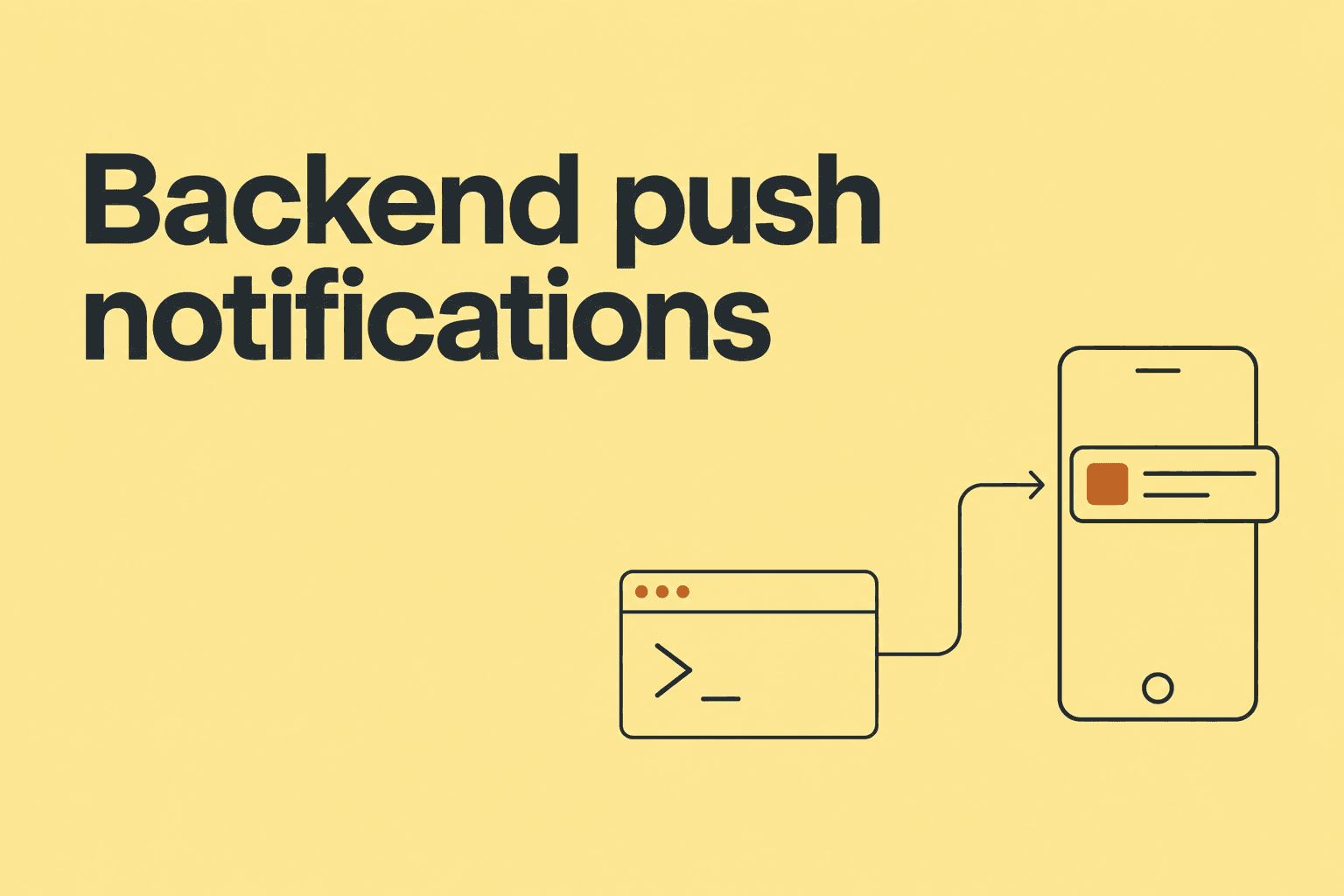
A new signup. A failed checkout. A backup that finally finished. These are small events, but they can change what you do next.
You already know where they happen: in your backend. Appkeepr gives those events a channel and an inbox, then sends a push to the people assigned to that channel.
Here is a complete first integration using HTTP. It works from any environment that can make an authenticated POST request.
Choose an event
Start with a message you would actually want on your phone. For Revos, that might be a new registration. For an operations channel, it could be a failed scheduled job.
Create a signups channel in your Workspace. If you want the message grouped with a product, create a revos Project too. Projects are optional; an AWS budget warning can belong to the Workspace without one.
Channel recipients decide who gets a push. Other Workspace members can still read the message in the inbox.
Keep the token on your server
Create an API token under Workspace settings → API tokens. Save it as APPKEEPR_API_TOKEN in your server environment.
A token can send to channels within its Workspace. It is a sending credential, so it belongs in your backend, worker, or script. Keep it out of browser bundles and public environment variables.
In Next.js, send from your server-side handler after the event has happened.
Send the request
With the environment variable set, run this request:
curl https://appkeepr.com/api/messages \
  -H "Authorization: Bearer $APPKEEPR_API_TOKEN" \
  -H "Content-Type: application/json" \
  -H "Idempotency-Key: signup-1042" \
  --data '{
    "channel": "signups",
    "project": "revos",
    "title": "New user registered",
    "message": "jane@example.com created an account.",
    "icon": "🎉"
  }'
Use your existing channel and project names exactly. Appkeepr does not create them during a send. Leave out project when the event is not tied to one product.
A 201 response means the message was saved and eligible push deliveries were queued. It does not mean every phone has already received it. A recipient needs to be signed in on their phone with notifications enabled.
Handle retries
A request can succeed while the caller loses its connection before receiving the response. Retrying should not turn one registration into two alerts.
Use an Idempotency-Key derived from the event, such as signup-1042. Keep the key, channel, and message content unchanged when retrying that event. An identical retry returns the original notification with a duplicate outcome. Reusing the same key with different content returns a conflict.
Generate a new key for a new event. A timestamp created on every retry defeats the point.
Add useful context
“Something failed” makes you open another tool before you know whether it matters. A useful notification answers three questions: what happened, where, and what should I look at?
For a forwarded Sentry issue, a title like Sentry: TypeError in checkout is more useful than New error. Put the environment and endpoint in the message. Add an action link when there is a relevant issue page.
Your server formats and forwards the message; this HTTP integration does not imply a built-in Sentry connector.
Start with one event, keep its text short, and add more only when they earn a place in your inbox. The quick start covers fields, responses, and request limits.