- Published
- Reading time
- 13 min read
Website Monitoring: What to Track and Which Tools You Need
- Written by
- Türkü Şimşek
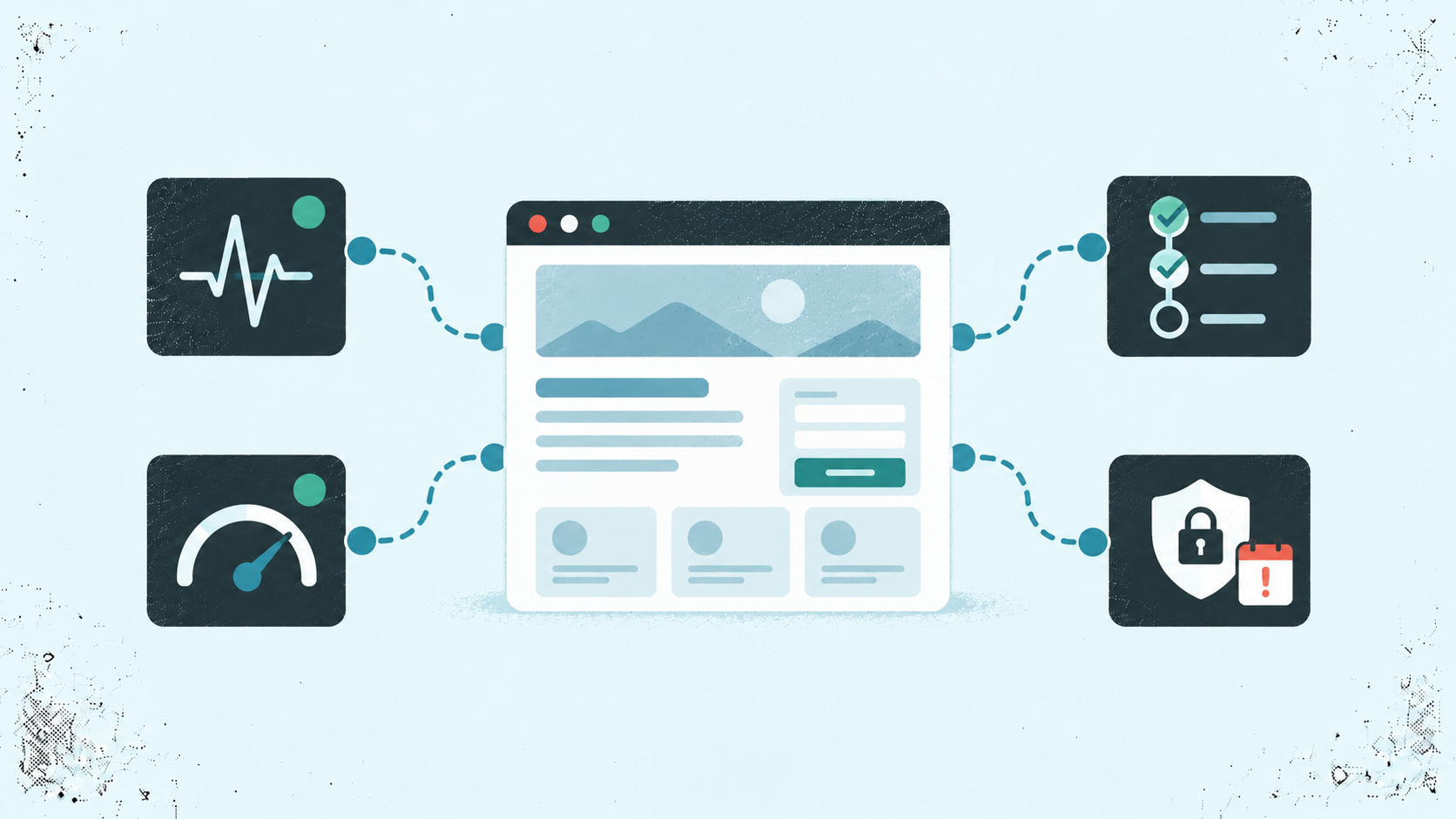
Website monitoring helps you track whether your site is available, performs well, and supports essential user tasks. Start with checks for important pages and APIs. Add performance measurements, workflow tests, and expiry reminders according to your product’s needs. Different tools cover different problems.
When you build and run a small product, website monitoring can feel like another task competing with shipping features. But finding a problem through a frustrated customer costs time too.
Your site might be reachable while a form fails to submit. A page might load quickly on your laptop but feel slow to customers using mobile connections.
The challenge is choosing coverage that reveals problems your users actually face. You also need alerts you can act on without spending your day sorting through notifications.
This guide explains the main monitoring types, what a small team should prioritize, and how to choose suitable tools. We’ll also walk through an example setup for a micro SaaS.
The Appkeepr Brief
- Monitor availability, speed, and essential tasks. Each reveals a different part of your website’s health.
- Start with what users depend on. Prioritize important pages, core APIs, and workflows that deliver your product’s value.
- Match tools to the problem. Uptime checks, performance measurements, and workflow tests provide different evidence.
- Track expiry risks. Domain and TLS certificate reminders help you prepare before renewal deadlines.
- Choose alerts you can act on. Assign an owner and verify that notifications arrive.
- Check the limits. Compare supported checks, locations, plan restrictions, and maintenance effort before choosing a tool.
What Does Website Monitoring Cover?
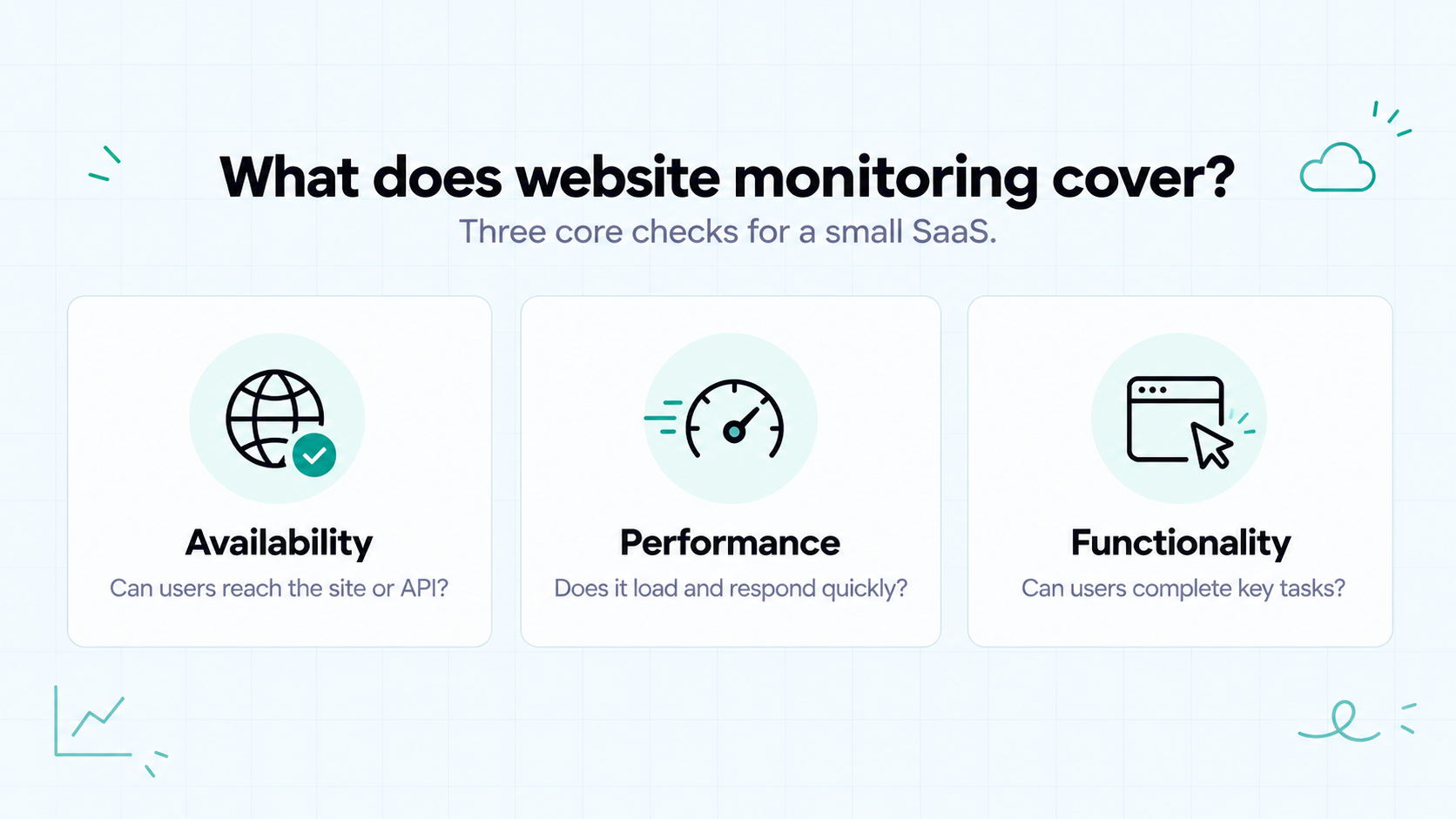
Website monitoring is an umbrella term for checking different aspects of a site’s health. The coverage depends on the tools you use and the checks you configure.
For a small SaaS, three questions provide a useful starting point:
- Availability: Can users reach the site or API?
- Performance: How quickly does it respond, load, and react?
- Functionality: Can users complete important tasks?
Different methods answer different questions:
Problem you want to detect | Suitable monitoring method |
A public page or API becomes unreachable | Uptime checks |
Pages load slowly or respond poorly to interactions | Performance tests and real user monitoring |
A sign-in or form submission fails | Synthetic workflow tests |
A domain registration or TLS certificate approaches expiry | Expiry checks and reminders |
These methods complement each other. A passing uptime check does not establish that a page feels fast or that its buttons work.
It also helps to distinguish technical monitoring from other tools. Traffic analytics measures visits and user behavior. Website change tracking watches for changes to page content. Both can be useful, but neither replaces checks of availability, performance, and essential workflows.
The goal is to choose evidence that helps you recognize and investigate problems affecting your users.
The Main Types of Website Monitoring
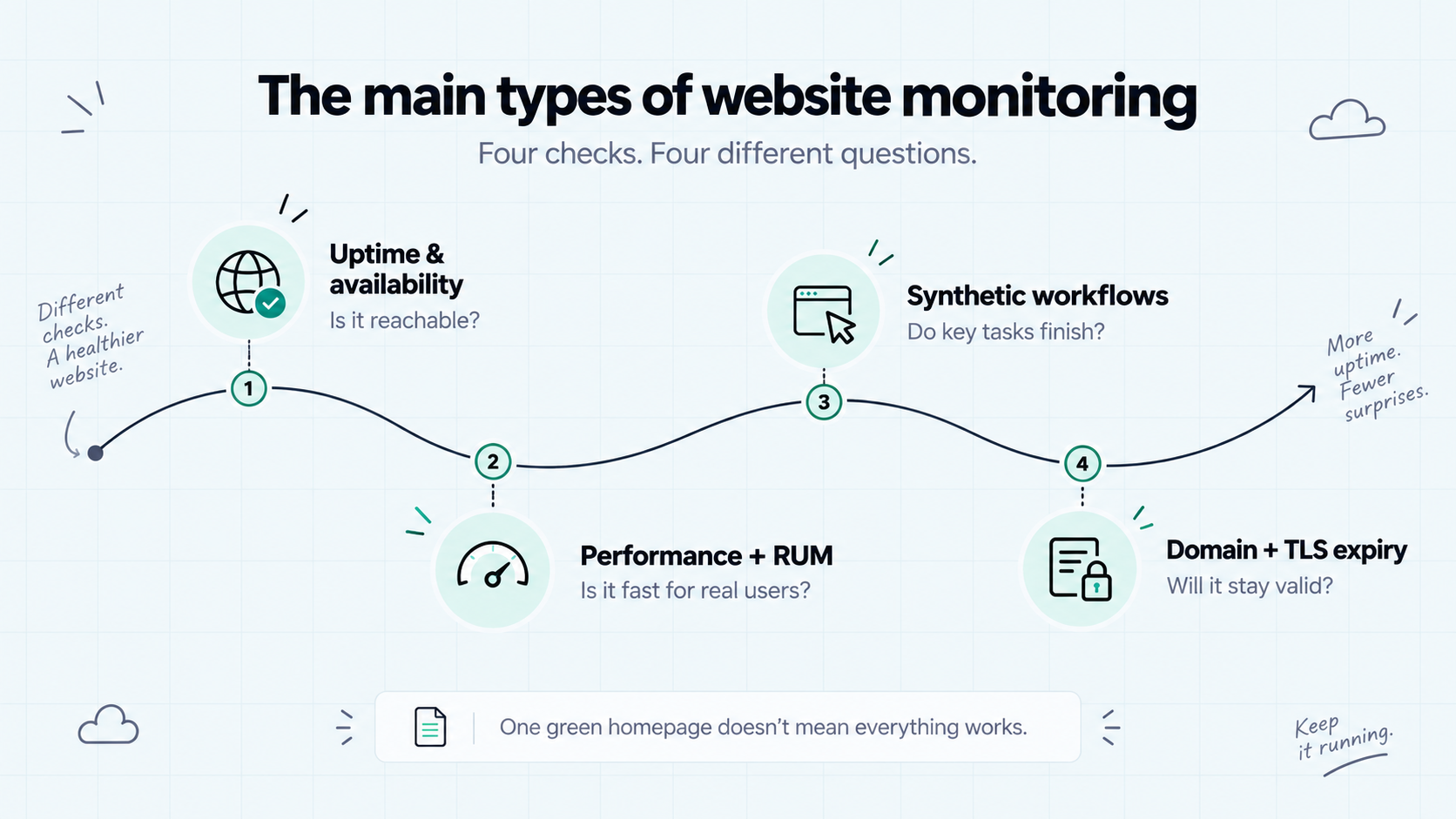
Website monitoring tools collect different kinds of evidence. Understanding those differences helps you choose coverage without paying for features you do not need.
Uptime and Availability Checks
Uptime checks send scheduled requests to selected pages or APIs. They evaluate whether the response meets defined rules, such as an expected HTTP status within a timeout.
These checks can reveal connection failures, unexpected responses, and unresponsive endpoints. Some tools also validate response content.
Their scope is limited to what you configure. A successful request to your homepage does not verify a separately hosted API or prove that customers can sign in.
Start with availability checks for essential URLs. Add other methods when you need evidence about speed or complete user tasks.
Performance and Real User Monitoring
Performance monitoring helps you investigate how quickly pages load, APIs respond, and interfaces react.
Two approaches provide different perspectives:
- Controlled tests measure performance under selected conditions. They help you compare changes and investigate repeatable problems.
- Real user monitoring (RUM) collects performance information from actual user sessions. It shows how experiences vary across devices, connections, and pages.
Google’s Web Vitals guidance identifies loading, responsiveness, and visual stability as key aspects of page experience. Its Core Web Vitals measure these through LCP, INP, and CLS.
A fast result from one test does not establish that every visitor has a good experience. Controlled tests and real user measurements complement each other.
Synthetic Workflow Tests
Synthetic workflow tests perform selected actions on a schedule. For example, a browser test might open your app, sign in with a test account, and confirm that the dashboard appears.
These tests check more than whether a URL responds. AWS’s synthetic monitoring documentation describes scheduled scripts that follow customer routes and perform customer actions.
For a micro SaaS, start with a workflow that delivers essential value. Use dedicated test accounts and prevent tests from sending real emails, charging customers, or changing production data unintentionally.
A passing test confirms only the steps and conditions it evaluates. It does not cover every possible user journey.
Domain and Certificate Expiry Checks
Domain registration and TLS certificate expiry are separate risks. An expired registration can disrupt access to your domain. An expired certificate can cause browsers or clients to reject secure connections.
Expiry monitoring provides reminders before those deadlines. Even if you use automatic renewal, reminders can prompt you to verify that renewal succeeded.
Check coverage carefully. Monitoring the certificate on your main domain does not necessarily cover certificates on other hosts.
These checks address specific renewal risks. They do not replace vulnerability scanning or broader security monitoring.
What Should a Small Team Monitor First?
Choose your first checks around the problems that would stop customers from getting value. For a solo founder, that usually means a small set of important endpoints and one essential workflow.
Prioritize What Users Depend On
List the steps customers take to use your product. Then ask what could fail at each step and which monitoring method would reveal it.
For a scheduling app, users might need to sign in, view available slots, and complete a booking. A reachable homepage tells you little about whether those steps work.
If you ask me, prioritize a failure based on its impact and the gap in your existing coverage. An essential operation with no useful signal deserves attention before another check of an already monitored page.
Add Coverage Where Basic Checks Leave Gaps
Use this as a starting framework, rather than a fixed order for every product:
Priority | Suggested coverage | Why it matters |
Essential starting coverage | Public site and core API availability | Reveals failures in selected endpoints |
Essential starting coverage | Domain and certificate expiry reminders | Gives you time to investigate renewal risks |
Next, or immediately if business-critical | A synthetic test of the main user workflow | Reveals failures that basic requests can miss |
As usage grows | Real user performance measurements | Shows how actual visitors experience important pages |
When your product depends on it | Background-job completion monitoring | Reveals missed work, such as reports that never finish |
The priorities can change. A report-generation SaaS may need job monitoring from day one. A mobile-heavy product may need real user measurements early.
Record what each check covers and who receives its alerts. Expand the setup when customer feedback, product changes, or incidents reveal a specific gap.
How to Choose Website Monitoring Tools
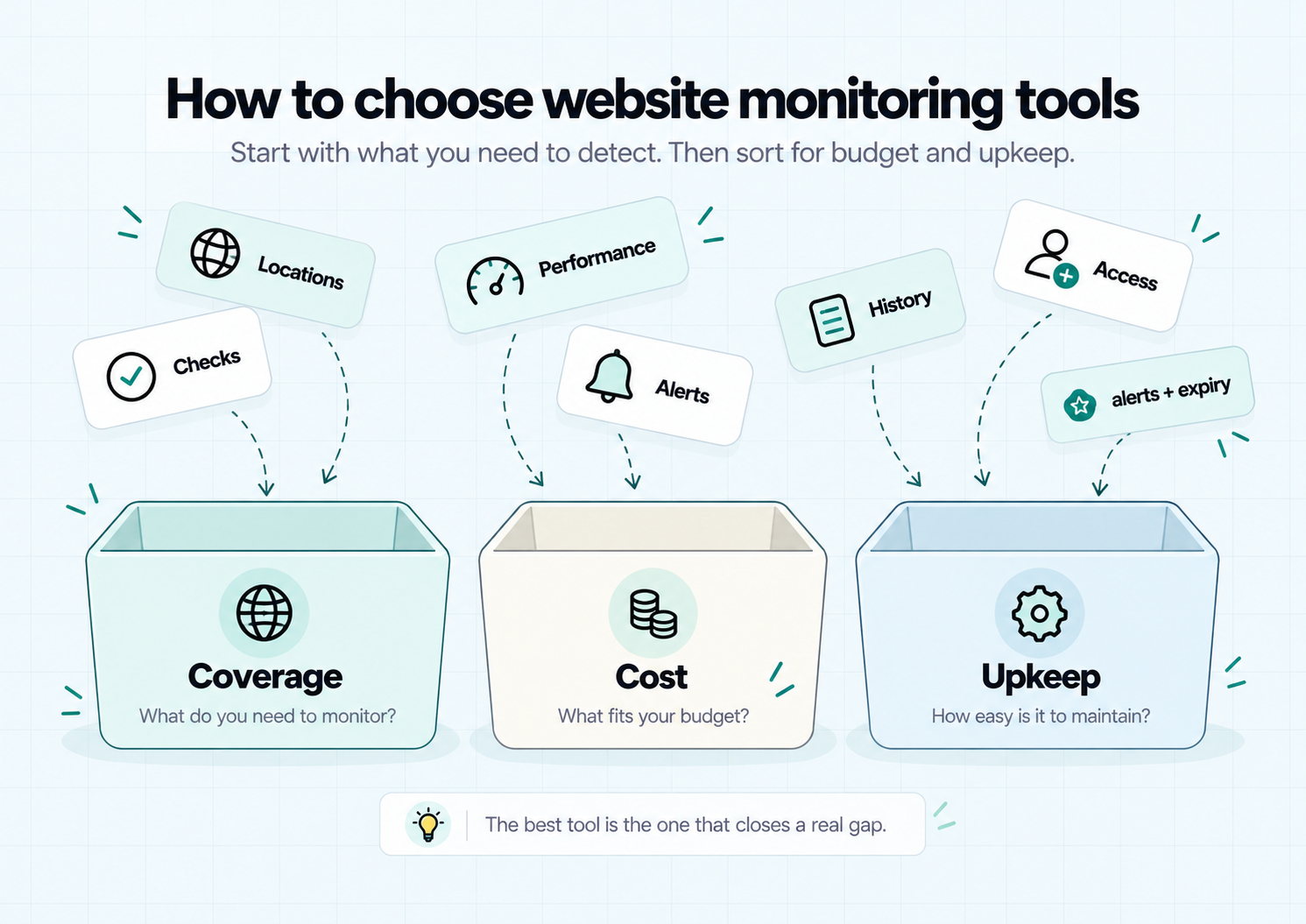
Choose tools based on the problems you need to detect. One service may cover several monitoring types, while another focuses on a specific task.
For a small team, the best fit balances useful coverage, cost, and maintenance effort.
Match Capabilities to Your Requirements
Before comparing products, write down your essential checks. Include the URLs, workflows, or performance questions each tool must support.
Then compare these details:
What to compare | What to ask |
Supported checks | Can it evaluate the status, content, or workflow you need? |
Access requirements | Does it support your authentication, redirects, and endpoint restrictions? |
Check locations | Can it test from locations relevant to your users? |
Performance data | Does it provide controlled tests, real user measurements, or both? |
Notifications | Can alerts reach the person responsible through a useful channel? |
History and diagnostics | Does it retain enough information to investigate failures? |
Maintenance | Who will update tests when pages, credentials, or workflows change? |
Avoid assuming that two tools with “website monitoring” in their descriptions offer the same coverage. Check the documentation for the specific capabilities you need.
Compare Free and Paid Plans
A free plan can be a useful starting point if its limits match your requirements. Look beyond the number of monitors.
Compare check intervals, notification options, data retention, and limits on browser tests or recorded user sessions. These restrictions can affect different parts of your setup.
Also account for your time. A self-hosted tool may give you more control, but you take responsibility for its updates, availability, and backups.
If you ask me, pay for a capability when it closes an important gap or reduces work you cannot comfortably maintain. A larger plan is useful only when its additional coverage serves your product.
Where Appkeepr Fits
Appkeepr is a tool for following availability alerts and product updates in one inbox on web and phone.
Its uptime monitoring checks supported public HTTP and HTTPS endpoints every 60 seconds. It creates Down messages after the first failed check and Back online messages after recovery.
It also provides domain and TLS certificate expiry reminders. Subscribe to the destination channels to receive notifications.
For indie developers and micro SaaS teams, these capabilities can form part of a manageable monitoring setup. Add complementary tools when you need real user performance measurements or synthetic workflow tests.
Example: A Monitoring Setup for a Micro SaaS
Imagine you run SlotNest, a small scheduling SaaS. Customers visit your website, sign in, and book appointments.
This is an illustrative setup, not a recorded test. It combines availability checks, a browser workflow test, real user performance measurements, and expiry reminders. You may need more than one tool to cover these requirements.
What to monitor | Example check | What it reveals | What it can miss |
Public homepage | Request the page and validate its HTTP status | Whether that page responds as expected | Failures inside the application |
Core API | Check a health endpoint that evaluates essential dependencies | Whether the defined API health conditions pass | Routes and dependencies outside the check |
Booking workflow | Sign in with a test account and complete a controlled booking | Whether the selected steps succeed | Other account types or booking paths |
Important pages | Collect real user performance measurements | Loading and interaction performance during measured visits | Pages or interactions without collected data |
Domain and certificate | Track registration expiry and configured certificate hosts | Approaching renewal deadlines | Broader security problems |
Start with the homepage, API, and expiry checks. If booking is the product’s essential function, prioritize the workflow test early too.
Run that test with dedicated accounts and isolated test data. Prevent it from sending customer notifications or creating real appointments, and clean up any test bookings.
Review performance data as usage grows. If mobile users experience slow booking pages, use those measurements to guide further investigation.
Each check answers a specific question. Together, they provide broader coverage than repeatedly checking whether the homepage loads.
Make Monitoring Alerts Useful
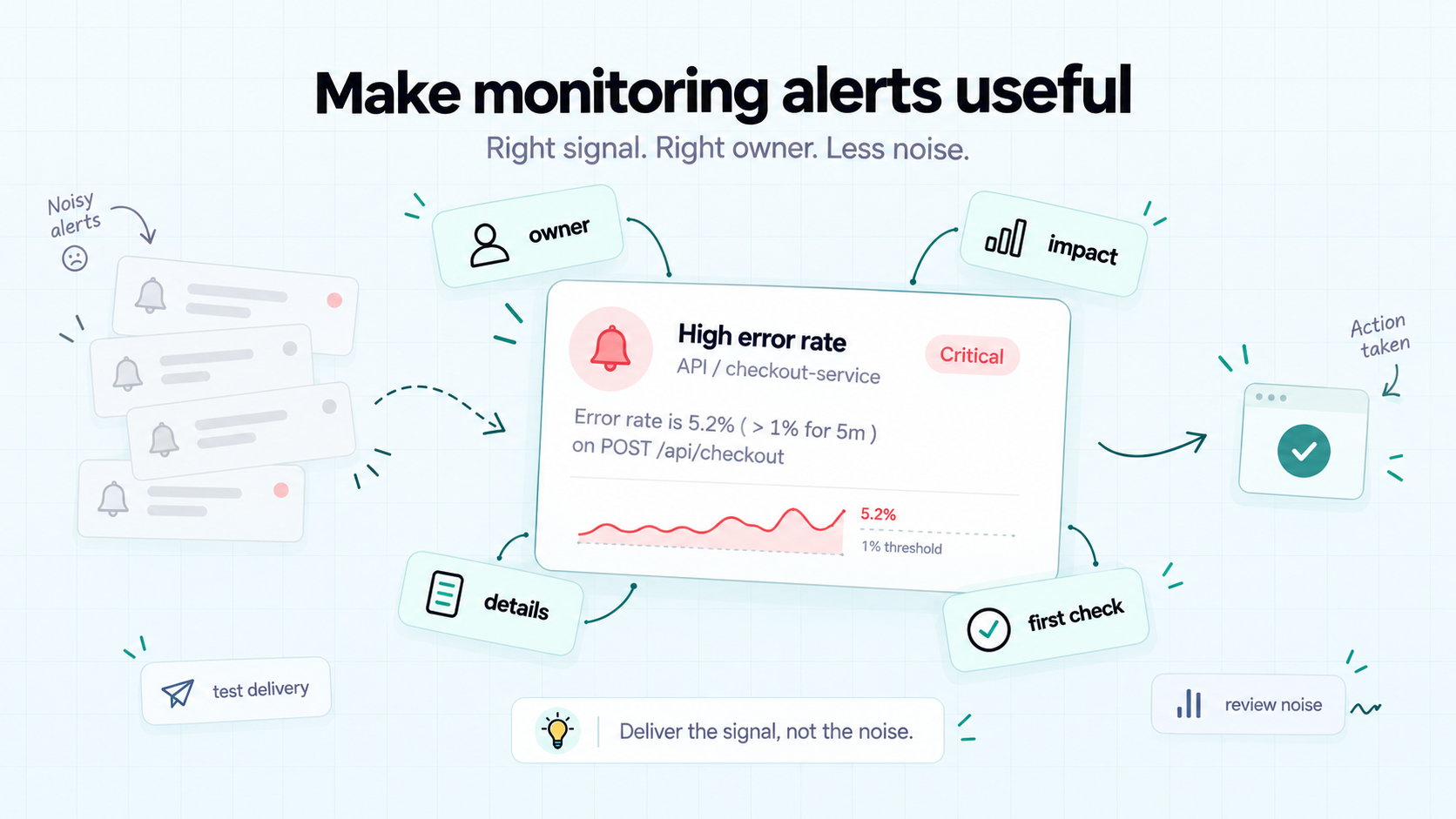
Website monitoring helps most when a signal reaches someone who knows what to do next. Configure notifications with the same care you give your checks.
Assign an Owner and Test Delivery
For each important alert, identify the person responsible for investigating it. In a small team, name a backup where possible. If you work alone, choose a notification channel you’ll reliably notice.
An alert should help you answer:
- What failed?
- Which part of the product might be affected?
- Where can I find the result or diagnostic details?
- What should I check first?
Test delivery before relying on the setup. A test notification checks the destination. A controlled failure in staging also checks the path from detection to notification.
Confirm recovery reporting where supported, too.
Review Alerts as Your Product Changes
Repeated, low-value notifications can make important alerts easier to overlook. Atlassian’s alert fatigue guidance explains how excessive alerts can lead to missed signals and delayed responses.
When notifications become noisy, investigate the cause. Check for duplicate monitors, outdated workflow steps, expired test credentials, or thresholds that no longer fit normal behavior.
Where supported, use grouping or failure confirmation to reduce unnecessary interruptions. Remember that confirmation can delay detection.
Review monitoring after significant product changes and incidents. Update checks when routes or workflows change, and add coverage when a failure reveals a meaningful gap.
Conclusion: Build Coverage You Can Maintain
Website monitoring starts with understanding what your users depend on. Choose checks for availability, performance, and essential tasks, then add expiry reminders for renewal risks.
Each method reveals something different. A useful setup combines the evidence you need with notifications you’ll notice and checks you can maintain.
Start small, test your alerts, and expand coverage when product changes or incidents reveal gaps. You can build a useful setup without adopting every monitoring capability at once.
Ready to bring availability alerts and expiry reminders into your daily workflow? Get started with Appkeepr and follow them alongside updates from your code and connected tools.
Frequently Asked Questions
Website monitoring checks aspects of a website’s availability, performance, and functionality. Depending on the tools you choose, it can detect unreachable endpoints, measure page performance, test selected workflows, and track domain or certificate expiry. Each method provides different evidence. The aim is to identify problems that affect users and give the responsible person enough information to investigate.
Uptime monitoring is one part of website monitoring. It checks whether selected endpoints respond according to defined success rules. Website monitoring can also include performance measurements, synthetic workflow tests, and expiry reminders. A passing uptime check does not prove that a page loads quickly or that a customer can complete a booking. Broader coverage requires methods suited to those questions.
Start with tools that cover your essential endpoints, renewal risks, and most important user task. Availability checks and expiry reminders provide a useful foundation. Add a synthetic workflow test when a successful endpoint response leaves a critical function unverified. Use performance tests or real user monitoring to investigate speed and responsiveness. One service may cover several requirements, but you may need complementary tools.
A free plan can be enough when its capabilities and limits match your product’s needs. Compare check frequency, notification methods, locations, history, and the number of supported checks. Performance measurements and browser tests may have separate limits or costs. Also consider maintenance effort, especially for self-hosted tools. Upgrade when additional coverage or reduced maintenance addresses a specific problem.
Synthetic monitoring runs controlled tests, such as scheduled requests or scripted browser actions. It can check selected behavior even when no customers are visiting. Real user monitoring collects performance information during actual user sessions, revealing experiences across measured devices, connections, and pages. Synthetic tests cover the conditions you configure; real user data depends on traffic and instrumentation. The two approaches complement each other.
Rate this article
Share