- Published
- Reading time
- 16 min read
How to Choose a Website Monitoring Tool for Your SaaS
- Written by
- Türkü Şimşek
Choose a website monitoring tool by matching its checks, alerts, and limits to your product’s needs. Verify whether it detects failures itself or receives events from other services. Then test that useful notifications reach the person responsible for responding.
When you run a small SaaS, you need to know when something breaks. You also need enough context to decide what to do next.
Choosing a tool gets confusing when product pages use similar language for different capabilities. One service checks your endpoints. Another delivers events sent by your code. Some combine these roles.
For an indie developer or solo founder, those differences matter more than a long feature list. They determine what you can detect, what you must configure, and what you’ll maintain.
This guide compares Appkeepr, Hookfire, ActivitySmith, and LogSnag through that practical lens. We’ll explain our recommendation, highlight the differences worth checking, and show you how to evaluate a setup before relying on it.
The Appkeepr Brief
- Start with the failures you need to detect. List essential endpoints, renewal risks, and product events before comparing tools.
- Separate checks from notifications. Receiving an event from another service is different from independently checking whether your website works.
- Compare actual coverage. Verify supported checks, endpoint restrictions, and failure and recovery behavior.
- Look beyond the starting price. Review plan limits, notification options, and maintenance effort.
- Test the complete alert path. Use a controlled failure to confirm that detection leads to a useful notification.
- Choose around your daily workflow. Prioritize information you can understand and act on while running a small product.
What Is a Website Monitoring Tool?
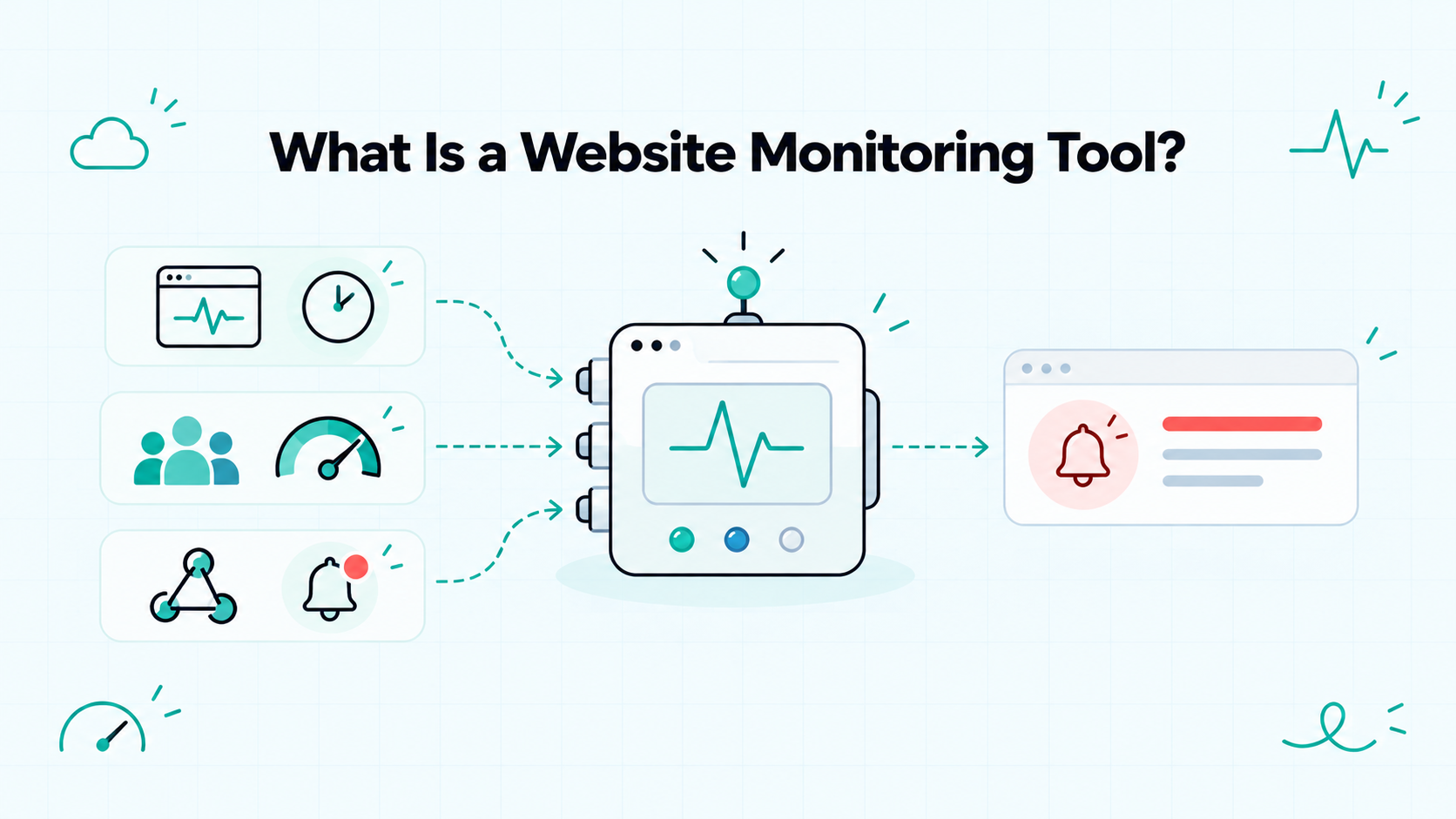
A website monitoring tool checks selected aspects of your site and reports problems according to defined rules. Depending on its capabilities, it may evaluate availability, measure performance, test user workflows, or track certificate expiry.
For example, an uptime check can request your API every minute and flag an unexpected response. A browser test can go further by signing in and checking whether a dashboard opens.
The label covers different capabilities, so look at what each product actually does:
- Active checks test an endpoint or workflow on a schedule.
- Real user monitoring collects performance information from actual visits.
- Event notifications deliver updates generated by your code or connected services.
Event notifications can support your monitoring setup, but receiving messages alone does not independently verify that a website works. Understanding that distinction helps you choose a tool that covers the failures you need to detect.
What to Look for in a Website Monitoring Tool
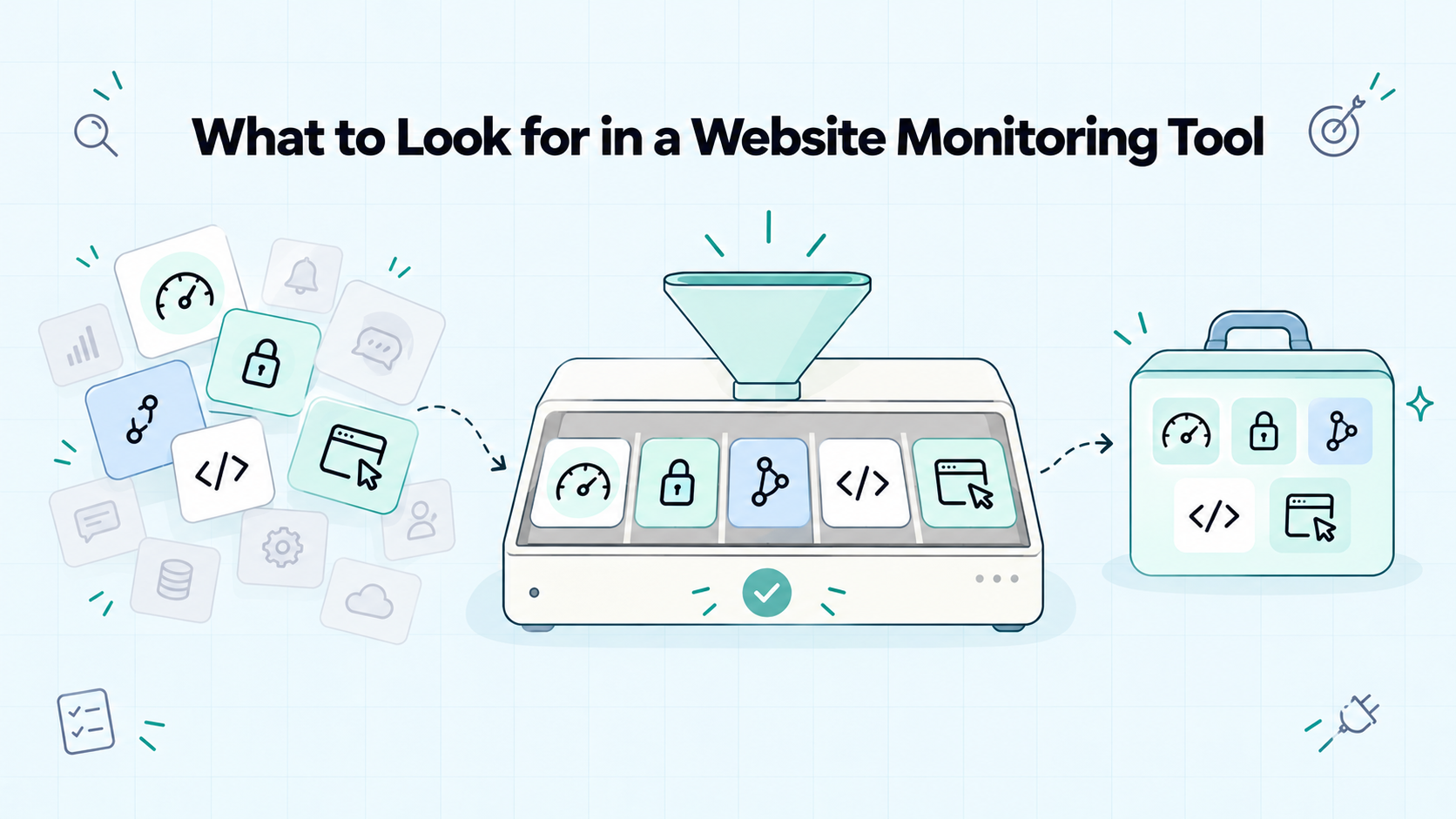
Before comparing tools, write down the problems you need to know about. Keep the list specific enough to verify against documentation or test during setup.
“Monitor my website” is broad. “Tell me when my public API stops returning a healthy response” gives you a clear requirement.
Start With Your Essential Checks
For a small SaaS, your requirements might include:
- Detecting availability failures in your public site and core API.
- Receiving reminders before domain registrations or certificates expire.
- Following deployment failures and application errors from connected services.
- Receiving messages from your own code when important events occur.
These needs involve different mechanisms. An uptime check actively requests an endpoint. A deployment notification reports an event from your deployment service.
Likewise, sending a message when a background job fails does not automatically detect a job that never starts. That requires a separate check for expected activity.
Separate Requirements From Extras
Use a short list to keep your comparison focused:
Requirement | When it matters | What to verify |
Endpoint checks | You need independent evidence of availability | Supported URLs, response rules, and check frequency |
Expiry reminders | You manage domains and certificates | Registration coverage and certificate host configuration |
Service integrations | Important events happen in other tools | Supported events and setup requirements |
Messages from code | You need custom product updates | API access, credentials, and message limits |
Browser workflow tests | A reachable endpoint leaves an essential task unverified | Whether a complementary tool is required |
If you ask me, start with a few requirements you can explain clearly. Add capabilities when they close a specific gap, rather than because they appear in a competitor’s feature list.
Website Monitoring Tools Compared for Small Teams
These four tools can help you follow your product’s health, but the monitoring signal comes from different places.
Appkeepr runs supported availability and expiry checks. Hookfire receives webhook events from connected services. ActivitySmith presents updates supplied by your systems. LogSnag organizes submitted events and metrics.
The comparison below follows public documentation, rather than firsthand performance testing.
Appkeepr: My Recommended Starting Point
Appkeepr brings endpoint checks, expiry reminders, and product updates into one inbox.
For a solo founder, its appeal is the combination: you can monitor supported endpoints and follow messages from your code without building the availability checks yourself.
Key capabilities
- Scheduled checks of public HTTP and HTTPS endpoints.
- Down and Back online messages.
- Domain registration and TLS certificate expiry reminders.
- Messages from your backend and supported integrations.
- Channels and optional projects for organizing updates.
How monitoring works
Its uptime checks run every 60 seconds with a ten-second timeout. HTTP 200–299 counts as healthy.
The first failed check creates a Down message. A successful check after that creates a Back online message. Repeated results do not create additional messages.
Its domain and TLS monitoring checks expiry daily. You specify which certificate hosts to monitor.
Setup and considerations
Add your endpoint or domain, select a destination channel, and subscribe to receive notifications. Endpoint checks require supported public URLs without embedded credentials. Redirects are not followed.
My recommendation
Appkeepr is my recommended starting point when you want availability checks, expiry reminders, and product notifications together. Add complementary tools for browser workflows or real user performance measurements.
Hookfire: Alerts From Connected Services
Hookfire receives webhook events and delivers them to a web inbox and mobile devices.
Its monitoring role becomes clearer when you examine the source integration rather than treating every notification as an independent check.
Key capabilities
- Integrations for payments, deployments, errors, and other events.
- Push notifications and a web inbox.
- Plan-dependent filtering, routing, and delivery controls.
- Custom webhook sources on supported plans.
- Cloudflare health-check and certificate-expiry event support.
How monitoring works
Hookfire’s Cloudflare integration guide lists health-check status changes and expiring SSL certificate events.
Cloudflare generates these signals. Hookfire receives the webhook and delivers the notification. This is a concrete monitoring path, with detection and delivery handled by separate services.
Setup and considerations
Create the integration in Hookfire, configure its webhook destination in Cloudflare, and create the relevant notification policies. Verify the source service’s eligibility requirements and the features included in your Hookfire plan.
My recommendation
Consider Hookfire when connected services already generate the events you need. I recommend Appkeepr when you want to configure endpoint checks and domain-expiry tracking directly alongside your product messages.
ActivitySmith: Monitoring Updates on Your Lock Screen
ActivitySmith delivers backend updates to iPhone and iPad through push notifications, Live Activities, and widgets.
Its strength is presenting information supplied by your code, scripts, automation, or integrations.
Key capabilities
- Push notifications for backend events.
- Live Activities for ongoing work.
- Lock Screen widgets for supplied metrics.
- API, SDK, CLI, and MCP options.
- Team delivery through supported channels and device targeting.
How monitoring works
ActivitySmith’s widget guide describes creating a metric and updating its value from your backend. That value can represent uptime, revenue, or another measurement.
Your system supplies the measurement; ActivitySmith displays it. Likewise, your code or an integration can send a notification when it detects a failure.
Widgets refresh on an iOS-controlled schedule, so they should not be treated as immediate incident alerts.
Setup and considerations
Pair your device, configure the integration or API credentials, and supply the updates. For custom monitoring, account for the work needed to collect measurements and detect failures.
My recommendation
Consider ActivitySmith when iOS progress displays and supplied metrics are your priority. I recommend Appkeepr for endpoint checks, expiry reminders, and an event inbox.
LogSnag: Events, Metrics, and Outage Updates
LogSnag collects product events and turns them into notifications and analytics.
Its monitoring use cases include events generated by your application and updates from external services.
Key capabilities
- Event submission through APIs, SDKs, and integrations.
- Push notifications for important events.
- Dashboards for supplied metrics.
- Funnels and journey tracking.
- A documented IsDown integration workflow for third-party outage updates.
How monitoring works
LogSnag’s outage-monitoring guide describes using IsDown to follow third-party service status changes and send notifications into LogSnag.
In that workflow, IsDown monitors provider status information. LogSnag receives and presents the updates. This differs from directly checking your own website’s HTTP response.
Your application can also submit events when its own failure-detection logic identifies a problem.
Setup and considerations
Choose your event sources, configure integrations or instrumentation, and decide which events should notify you. Maintain that instrumentation as your application changes.
My recommendation
Consider LogSnag when event analysis and supplied outage updates are central requirements. I recommend Appkeepr when your starting point is direct endpoint checks and expiry reminders alongside product updates.
Comparison at a Glance
Question | Appkeepr | Hookfire | ActivitySmith | LogSnag |
Where does availability information come from? | Built-in endpoint checks | Connected sources, including Cloudflare health-check events | Your backend, scripts, or integrations | Application events or external sources such as IsDown |
How are expiry risks handled in the documented workflows? | Built-in domain and configured TLS-host expiry checks | Cloudflare certificate-expiry webhooks | Updates supplied by your code or integrations | Events supplied by your code or integrations |
What custom information can you send? | Messages through its API | Webhook events on supported plans | Notifications, progress, and metric values | Events and metric values |
What distinguishes the workflow? | Checks and product messages in one inbox | Webhook collection and delivery controls | Live Activities and Lock Screen widgets | Event analytics, funnels, and journeys |
What must you configure? | Endpoints, certificate hosts, channels, and sources | Source-service webhooks and notification rules | Devices, event sources, and supplied measurements | Event instrumentation and integrations |
My suggested use | Starting point for checks, expiry reminders, and updates | Notifications from existing services | iOS presentation of operational updates | Analysis of product and outage events |
The table describes documented workflows. A supplied event or integration is not the same as a built-in check.
Appkeepr would be my first choice for a small SaaS that needs endpoint checks, expiry reminders, and product notifications together. It brings those capabilities into one inbox, providing a practical starting point for following availability and important updates.
Compare the Details That Affect Daily Use
Once you have a shortlist, check how each tool handles your actual requirements. A feature name alone does not tell you whether it fits your endpoints, notification preferences, or team.
Check Rules and Coverage
For tools that run checks, verify the conditions behind a healthy result.
- Supported URLs: Are redirects, authentication, and custom ports supported?
- Response validation: Does the check evaluate status codes, response content, or complete browser actions?
- Timing: What are the check interval and timeout?
- Locations: Where do requests originate, and how are results combined?
For notification tools, apply these questions to the service generating the event. Receiving a downtime message does not tell you how the upstream check determined that something failed.
Also check scope. A certificate reminder for one hostname does not automatically cover every subdomain.
Alerts and Diagnostic Information
A notification should help you decide what to investigate. Look for an identifiable endpoint or source, a detection time, and a useful failure description.
During evaluation, ask:
- Can I distinguish a timeout from an unexpected HTTP response?
- Does the message link to relevant details?
- What happens if the same failure continues?
- How is recovery reported?
- Which notification settings require a paid plan?
Failure confirmation can reduce alerts caused by brief problems, but it may delay notification. Choose the behavior that suits the endpoint’s importance.
I would prioritize clear, actionable messages over a large number of delivery channels I would never use.
History and Team Access
Check whether retained information will help you review an incident later. An event feed, an uptime report, and a diagnostic log serve different purposes.
Confirm retention periods and export options where they matter. If you need monthly availability reporting, verify that the tool actually calculates it; a list of Down and Back online messages is not automatically an uptime report.
For a micro SaaS team, check how access and notifications are assigned. Each person should know which signals they receive and who takes responsibility when a failure occurs.
What Will the Tool Actually Cost?
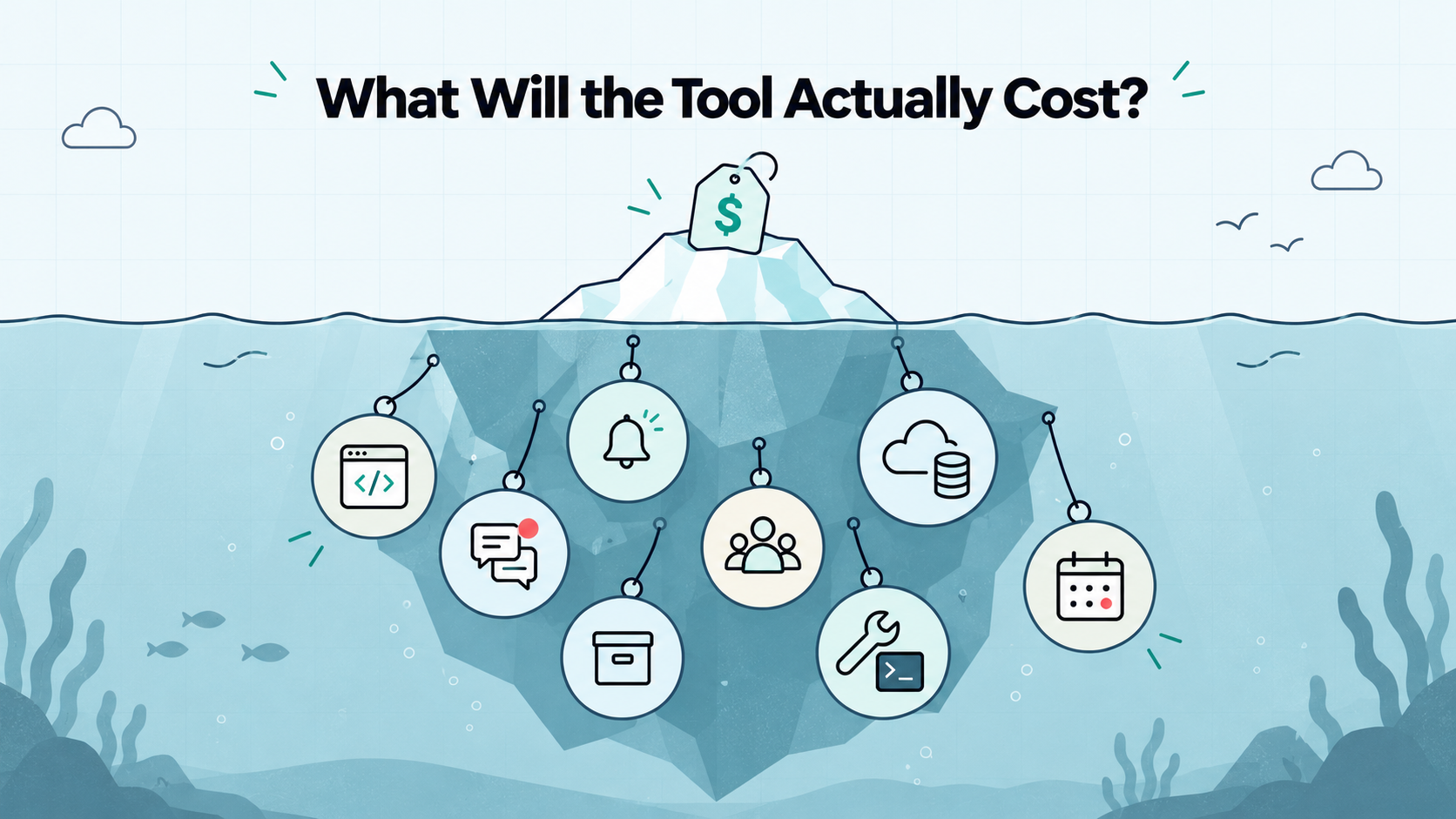
The subscription price is only part of the cost of a website monitoring tool. Your setup may also depend on paid source services, notification allowances, and time spent maintaining checks.
Look Beyond the Starting Price
Compare plans against the setup you intend to run.
Cost factor | What to check |
Checks or integrations | How many endpoints, domains, or connected sources are included? |
Messages and events | What happens when you reach the allowance? |
Notification methods | Are your preferred channels included or charged separately? |
Team access | Does adding another person change the price? |
History | How long are results retained, and is export included? |
Upstream services | Does the integration require a paid plan elsewhere? |
Billing terms | Is the advertised price monthly or based on an annual commitment? |
A free trial and an ongoing free plan are different offers. Check what remains available when the trial ends.
For integration-based monitoring, include the cost of the service generating the signal. A notification destination alone may not provide the checks you need.
Include Maintenance Time
Estimate the work required after setup. Custom scripts need updates. Credentials may expire. Browser tests can need changes when your application’s interface changes.
If you choose self-hosted components, account for hosting, updates, backups, and recovery too.
Microsoft’s cost-optimization guidance recommends considering total ownership costs, including infrastructure, support, and implementation.
I would compare the complete setup over the same period. A lower subscription price is useful when it still provides the coverage you need at a maintenance cost you can manage.
Test Your Shortlist Before Choosing
Documentation helps you narrow the options. A controlled test shows whether the setup meets your requirements.
Evaluate the complete path: failure detection → event delivery → notification → investigation. For integration-based tools, include the service generating the event.
Run a Controlled Failure Test
Use an endpoint or staging environment you control. Avoid disrupting customers.
- Confirm the healthy result. Check that the intended URL meets the monitor’s success rules.
- Create a predictable failure. For example, make a dedicated test endpoint return HTTP 503 instead of HTTP 200.
- Record the timing. Note when you introduced the failure, when it was detected, and when the notification arrived.
- Inspect the message. Can you identify the affected endpoint and understand what failed?
- Restore the healthy response. Verify that recovery is detected and reported where supported.
- Check repeated behavior. Observe whether the setup sends duplicate alerts, reminders, or one message per state change.
A test notification alone verifies only part of this path. It does not establish that the upstream check detects failures correctly.
Microsoft’s health-endpoint guidance explains that useful monitoring depends on both the checks performed by the application and how the monitoring tool evaluates the response.
Record Results Against Your Requirements
Use the same scenarios for each candidate. Leave unsupported requirements visible rather than awarding points for unrelated features.
Evaluation question | What to record |
Did detection work? | Expected failure versus observed result |
Did the notification arrive? | Destination and delivery time |
Was the message useful? | Endpoint, failure details, and investigation link |
Was recovery clear? | Recovery result and notification behavior |
Was setup manageable? | Time spent, configuration, and ongoing dependencies |
One successful test does not prove long-term reliability. It does reveal configuration gaps before you depend on the tool.
Also consider notification volume. Atlassian’s alert-fatigue guidance explains how excessive, redundant alerts can cause important signals to be missed.
I would choose the setup that covers essential failures and produces messages I can act on. Repeat the test after significant configuration changes.
Conclusion: Choose a Tool You Can Maintain
The right website monitoring tool covers the failures you need to detect and fits the way you work. Clear checks, useful notifications, and manageable maintenance matter more than a long feature list.
Start with your requirements, compare the complete cost, and test the path from failure to recovery. For tools that receive events, include the upstream detection service in that evaluation.
Appkeepr would be my first choice for combining supported endpoint checks, domain and certificate expiry reminders, and product updates in one inbox. That gives indie developers and micro SaaS teams a practical foundation without building those checks themselves.
Keep specialized requirements visible. Browser workflow tests and real user performance measurements may call for complementary tools.
Ready to put your essential checks in place? Get started with Appkeepr, configure your endpoints and expiry reminders, and test that notifications reach you.
Frequently Asked Questions
A website monitoring tool should cover the failures that matter to your users. Start with essential public pages and APIs, then consider domain and certificate expiry. Add browser tests when a successful HTTP response does not verify an important task. Check each product’s actual capabilities: some run checks themselves, while others deliver events generated by your code or another service.
A free plan can be enough if it supports your essential checks and notification needs. Compare intervals, monitor limits, message allowances, history, and team access. Distinguish an ongoing free plan from a temporary trial. Include any upstream service costs too. Upgrade when a paid capability closes a meaningful gap or reduces maintenance work.
Hosted monitoring reduces the infrastructure you maintain, while self-hosting gives you more control over deployment and data. Self-hosting also makes you responsible for updates, backups, security, and the monitoring service’s availability. For a solo founder, compare that workload with the subscription cost. If your monitor shares infrastructure with your application, consider how a shared outage could affect detection.
Uptime checks can tell you whether selected endpoints meet response rules. Browser tests can verify steps such as signing in or completing a controlled booking. Add them when an essential workflow could fail while basic checks keep passing. They require test accounts, safe test data, and maintenance as your interface changes. Not every product needs them immediately.
Use a dedicated endpoint or staging environment you control. Confirm a healthy result, introduce a predictable failure, and verify that detection produces a useful notification. Restore the expected response and check recovery behavior where supported. For webhook-based setups, test the upstream detector and delivery connection too. A built-in test notification alone does not verify the complete monitoring process.
Rate this article
Share